Fast and easy-to-use audio editor
mp3DirectCut is a free audio editing tool for anyone who needs to trim audio files. It works by editing the files directly without altering their quality, saving a lot of time. You can use it to cut long recordings or remove silence from tracks without having to wait for any saving.
Top Recommended Alternative

All features, no unnecessary fluff
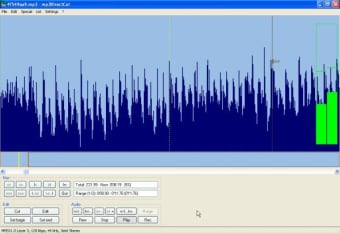
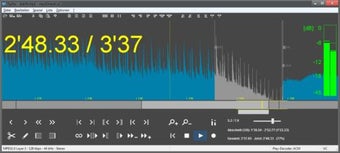
mp3DirectCut’s simple layout helps you see the music visually so you know where to make cuts. It has options like auto-cue and support for other formats for making new clips on the fly. Because it doesn’t re-encode files, the original lossless sound stays perfect. Additionally, it has a built-in audio recorder.
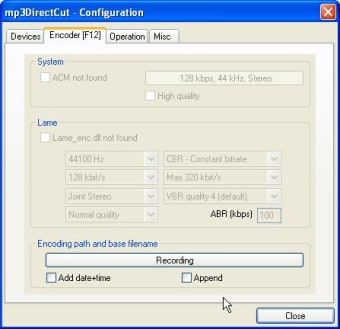
However, the user interface looks quite dated compared to modern apps, which feel strange to some people. Beginners might also find the audio graph a bit confusing at first since it looks different from most editors. It also requires a few extra files to be downloaded separately for handling some formats.
Solid choice for quick edits
In the end, mp3DirectCut is a reliable and fast way to manage audio without losing any quality. It remains a popular choice for people who want a simple program that does one job really well. For basic cutting and fading tasks, it’s definitely a helpful addition to any computer setup today.